2025-05-14
In the mini project test-share-hosting, I worked on building and deploying a simple Go web server while covering several key hosting concepts.
Learnt and covered concepts in this project
| Concept | Covered? | Explanation |
|---|---|---|
| Shared Hosting | ✅ Yes | Render (free tier) runs the app on shared infrastructure. Users don’t manage the machine directly, but it’s still real hosting — abstracted and simplified. |
| Reverse Proxy | ✅ Yes | Render automatically places the app behind a reverse proxy, managing TLS (HTTPS), routing, load balancing, and caching, if needed. |
| Domain & HTTPS | ✅ Yes | Render provides a public HTTPS domain without needing a custom domain. Users can add their own domain as well. HTTPS is handled by Render, so there is no need for manual handling. |
| Automatic Build & Deploy | ✅ Yes | With GitHub + Render, users get continuous deployment. Any code push triggers automatic rebuild and redeployment. |
| HTTP Server | ✅ Yes | Go http.Server, manually handling routing and HTTP requests. You would need to handle TLS/HTTPS manually using http.ListenAndServeTLS for secure communication when hosting on your own. |
| Network Protocols | ✅ Yes | The project works over HTTP (application layer) on top of TCP/IP in its code, but with Render managing the TLS layer it ends up HTTPS (which is HTTP over TLS) on top of TCP/IP for secure communication. |
| Deployment | ✅ Yes | By deploying the code from local development to a public endpoint, the remaining process is managed by Render for automatic deployment. Manual deployment also available; in that case, you will need to deploy manually after uploading the latest changes to the app. |
Result
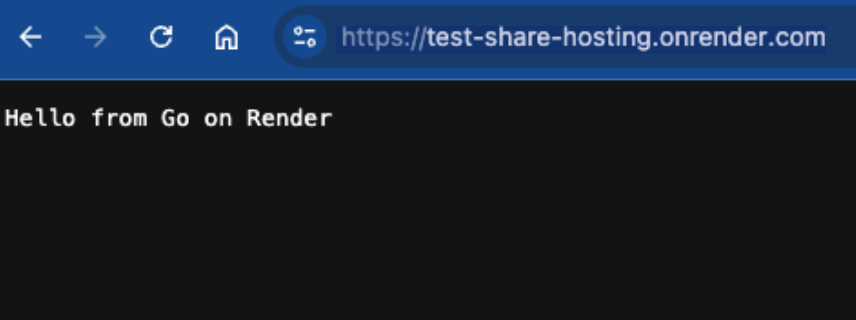
Accessing the given path to reach the server from the client
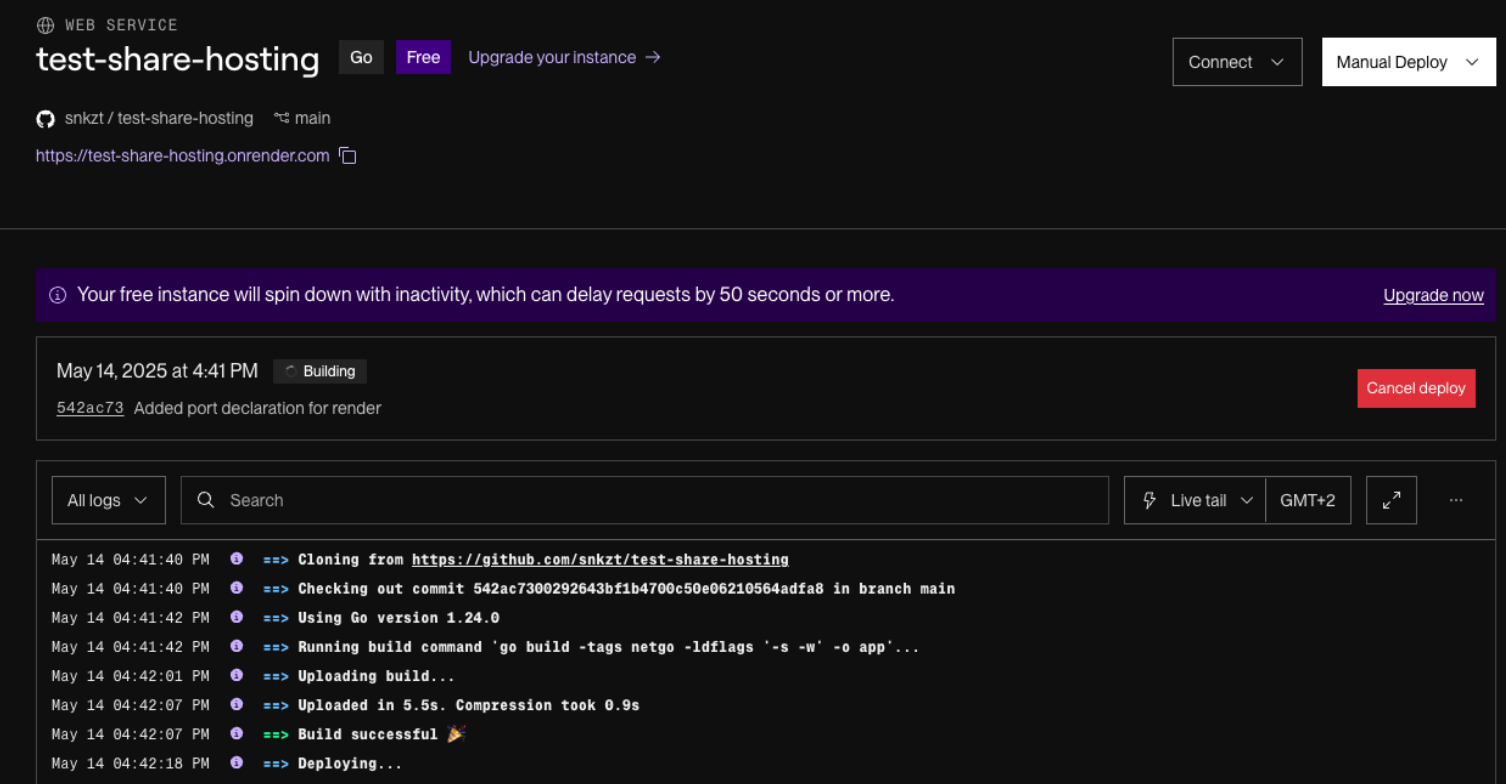
Waiting for automatic deployment by Render after starting a service
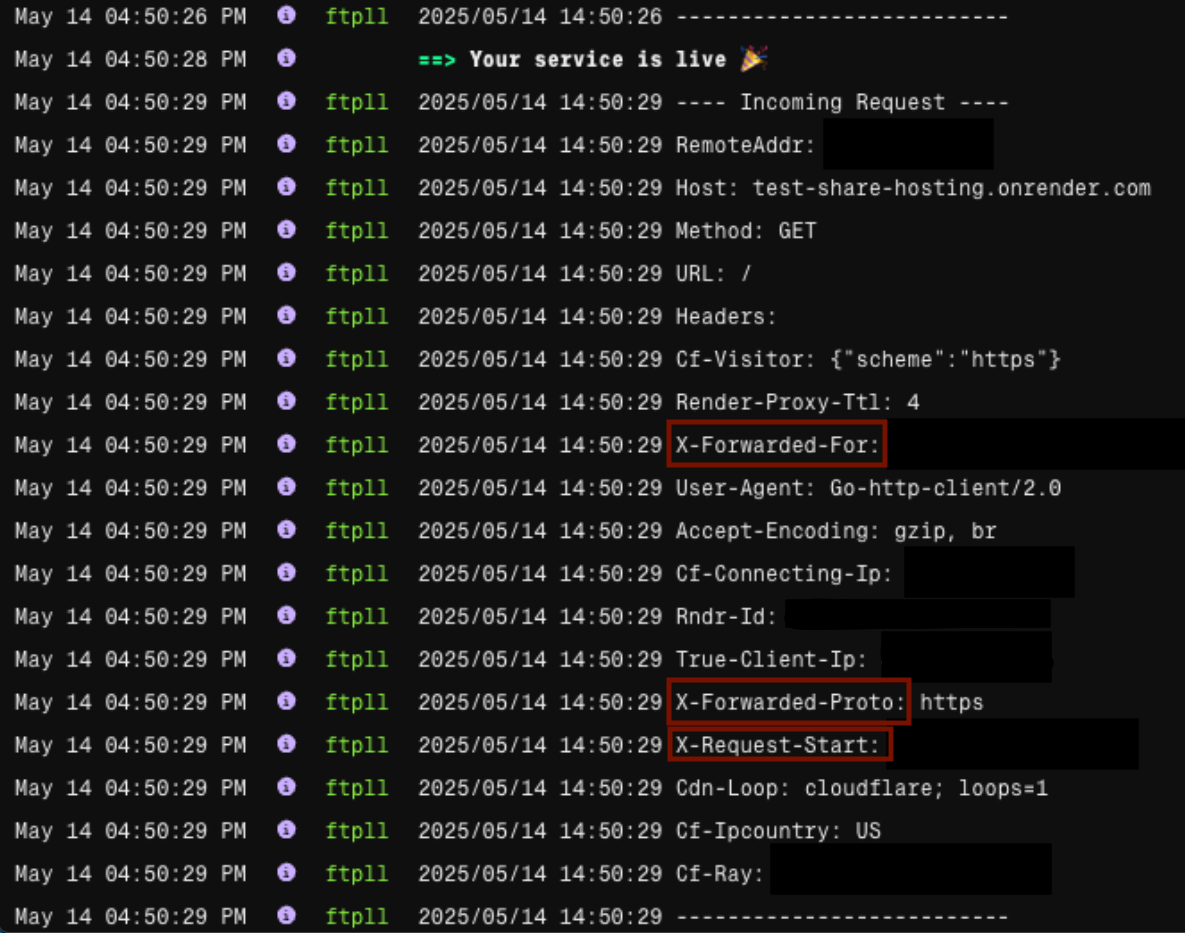
Checking the log
Especially red rectangle part X-... are added by reverse proxies.
This shows that Render’s reverse proxy is in action.
<Home>